Fleet dashboard — status of all vehicles and devices in one place
The MobTrack24 Dashboard gives the operations team a clear, concise overview of fleet status in real time: device/vehicle status, communication availability, key KPIs and recent alarms. Instead of viewing individual vehicles, the user immediately sees the "health" of the system and fleet — and knows where to react.
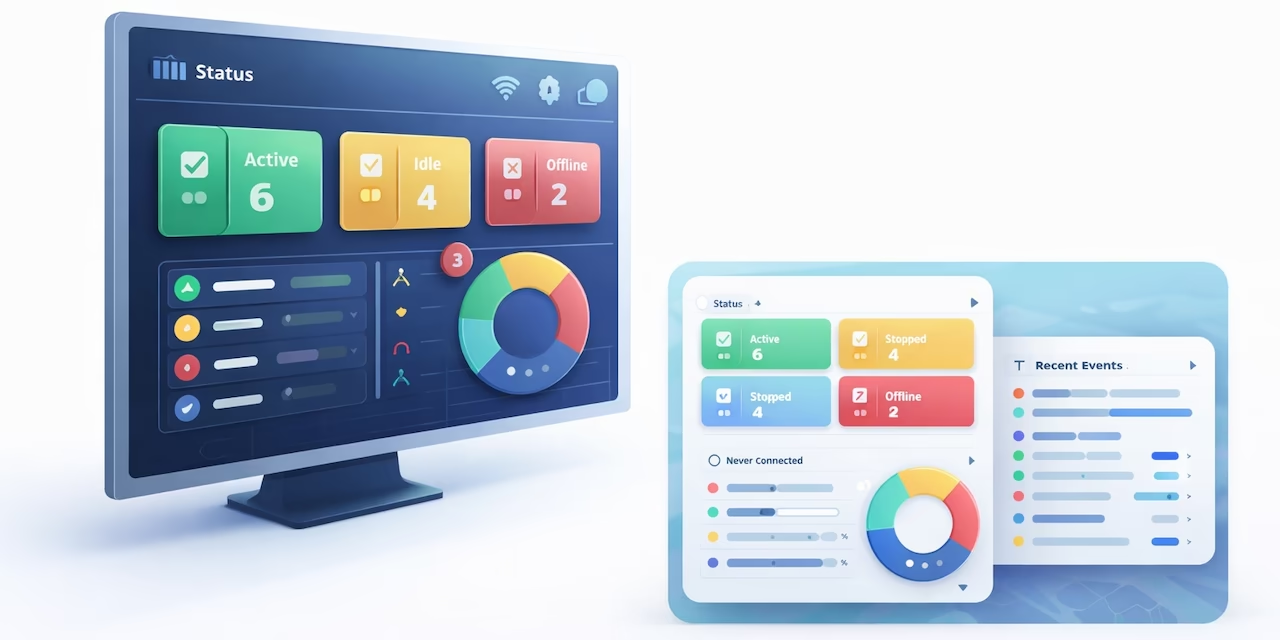
The dashboard displays vehicle statuses and alarms with a quick drill-down to the details and cause of the problem.
Proactive management: you know immediately where there is risk and where you need to react before a standstill occurs.
Device statuses and communication availability
Dashboard displays the state of each device/vehicle through standardized statuses, such as: moving, stopped, inactive, unavailable, never connected (and other statuses according to configuration). This quickly detects vehicles that are operational, as well as those that are temporarily out of communication.
Last alarms and rapid escalation
The user gets an overview of recent alarms and events (eg exceedances, geozones, sensor alarms, communication interruptions). This allows for quick reaction and prioritization — what is critical immediately, and what can be followed up on a regular basis.
"Drill-down" to the list of vehicles and details by status
For each status, with one click you get a list of vehicles with details such as: device name, IMEI, status, date and time of last connection and other relevant parameters. Based on this, the team can quickly check whether the vehicle is in the garage, serviced or there is a suspected malfunction/non-communicating equipment.
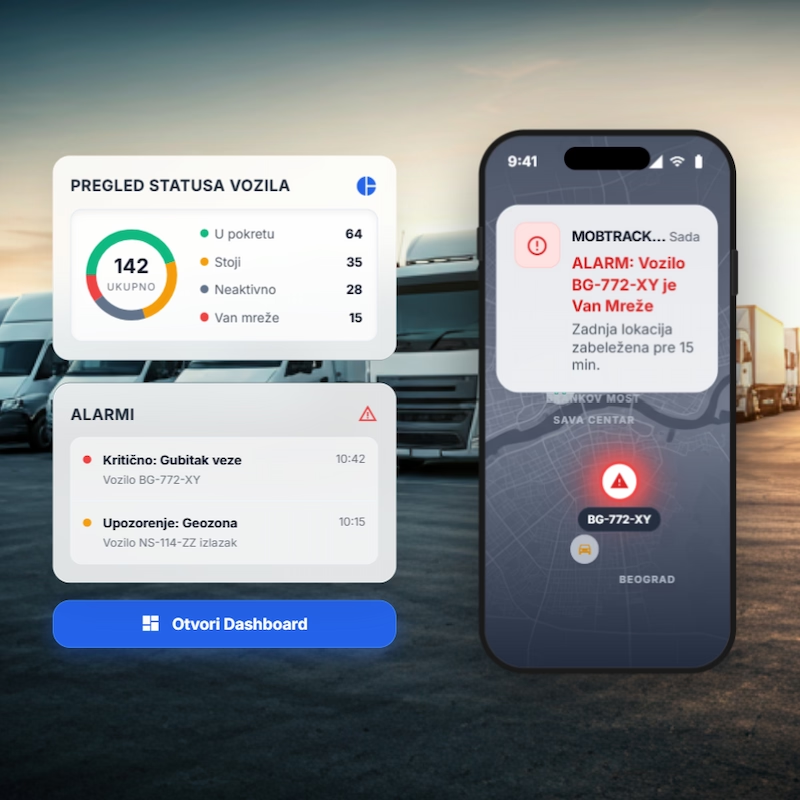
Result?
Faster control of the operational readiness of the fleet and less time wasted on manually checking "what's wrong".
Key Benefits
"Health view" of the fleet in real time
A unique display that immediately shows the state of the vehicle and telematics devices.
Proactive problem detection
Early detection of unavailable devices and vehicles that "drop out" of the system before they become an operational problem.
Faster response to alarms
Recent events and alarms in one place — easier prioritization.
Easy escalation through Helpdesk
When an unexpected error is suspected, the problem can be reported through a ticket to Mobile Solutions Support (Helpdesk), with clear technical information